Problem:
On Windows 11, when pressing a Tyro-integrated EFTPOS tender, the Tyro popup does not display, and instead returns to the Idealpos tender screen.
The IpsError.log has this error:
ERROR TRYING TO CREATE TYRO OBJECT. ERROR -2147020345 : An Application Control policy has blocked this file.
Cause:
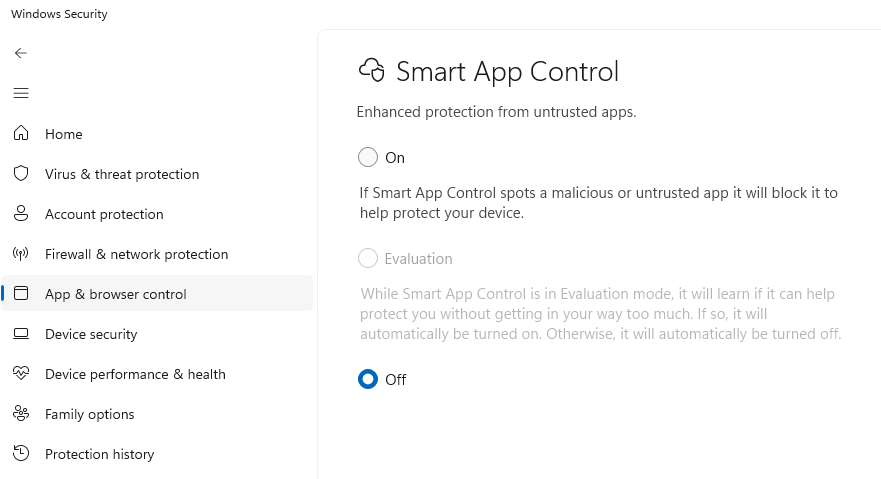
This can be caused by having Smart App Control on.
Fix:
Check Windows Settings > Privacy & security > App & browser control > Smart App control settings. If this is on, this would be the cause of the issue. Switch to Off.