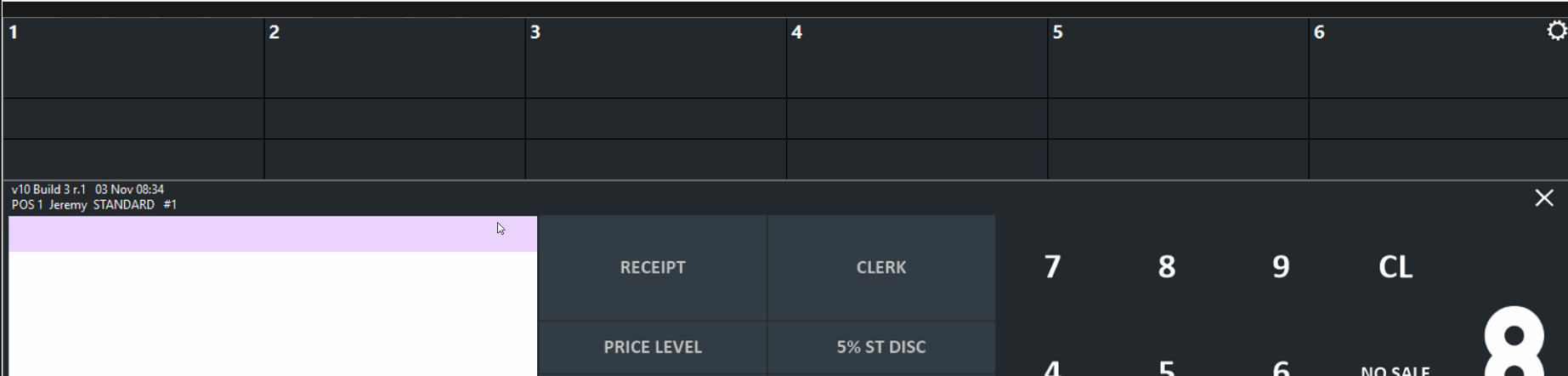
If the Enable UI is blank/black with no pumps showing and all other settings are correct, it is likely because .NET 3.5 is not enabled on the PC.
For example:
To quickly check if .NET 3.5 is enabled, run the following query in an admin CMD:
reg query "HKLM\SOFTWARE\Microsoft\NET Framework Setup\NDP\v3.5" /v Install
To enable, Press Win + R, type optionalfeatures in the Run dialog, and press Enter.
Locate .NET Framework 3.5 at the top of the list and check the box next to it. Click OK. When prompted, select Let Windows Update download the files for you.
Reboot the PC. The Enabler UI should look like this: